Pika VSCode Extension
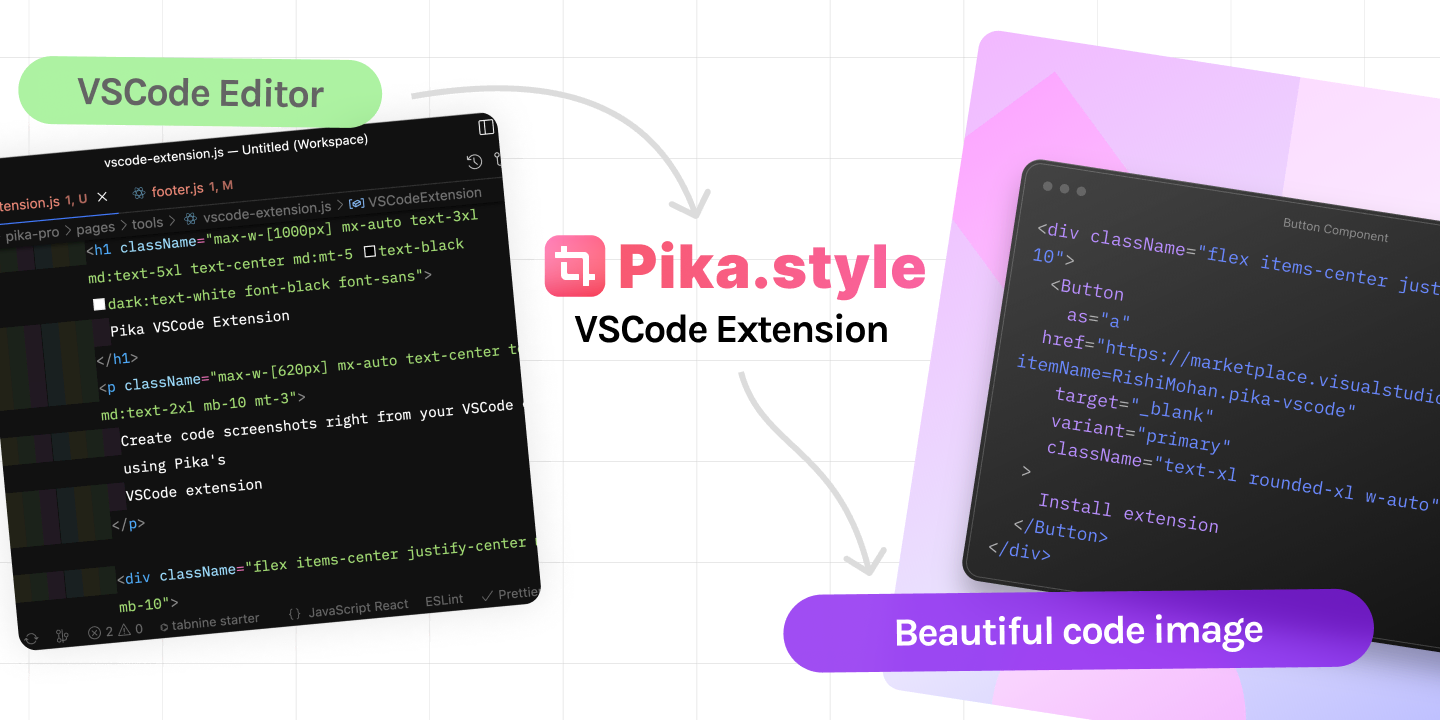
Create code screenshots right from your VSCode editor using Pika's VSCode extension
How to use
- Install Pika extension from VSCode Extensions Marketplace
- In VSCode editor, select the part of code you want to turn into image
- Hit Cmd/Ctrl + P, search for "Make screenshot in Pika" and hit enter
- Selected code will be opened in Pika's code to image tool, where you can edit your code screenshot
Pika Extensions & Tools
Pika has extensions and tools that can make your workflow even faster

Because who has time for mediocre design when you can create stunning images & mockups with Pika superfast!


loved by 1,500+ users