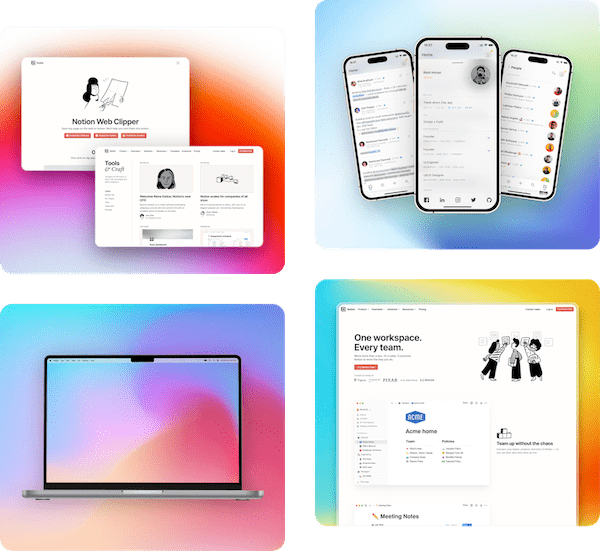
Pika Chrome Extension
Quickly capture Chrome tab as screenshot and design it in Pika with 1-click
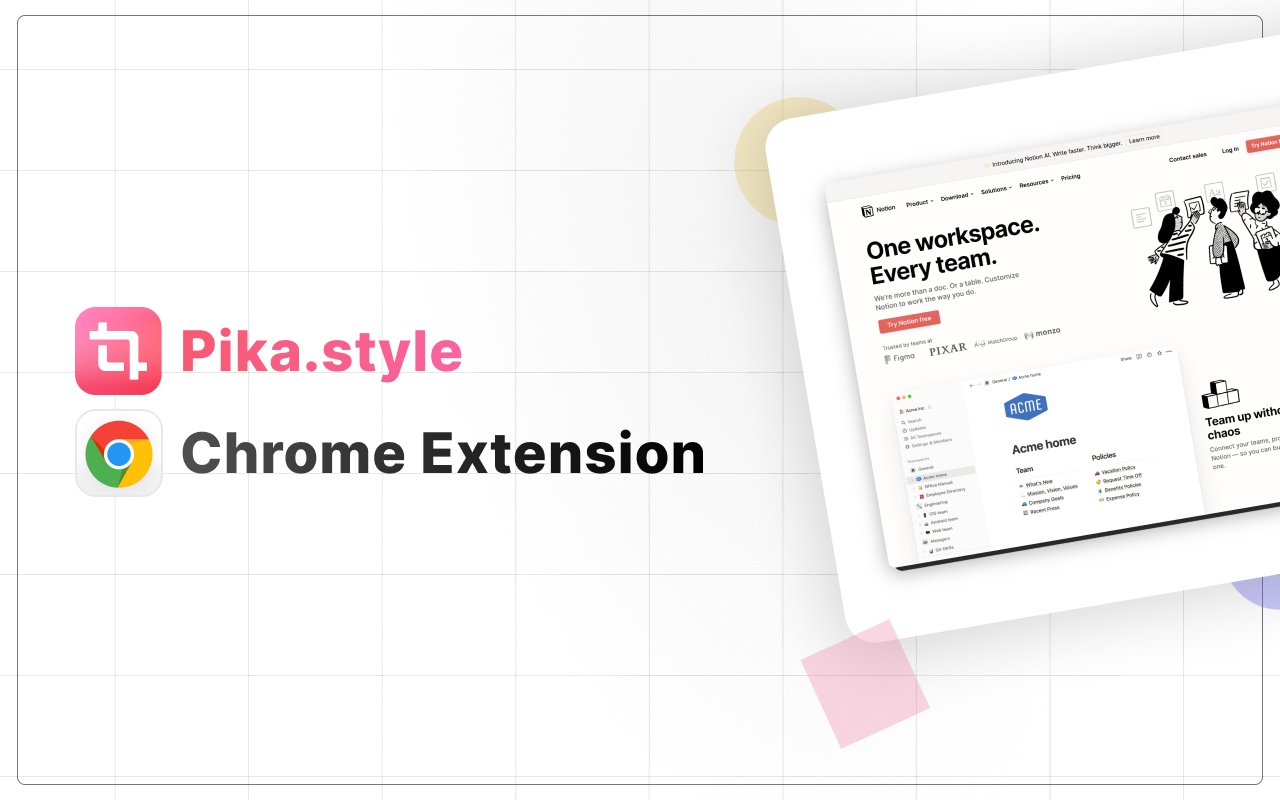
Using Pika Chrome extension
- After you install the extension from Chrome Web Store, you'll see Pika icon in Chrome toolbar
- All you need to do is click on that Pika icon, the extension will capture the screenshot of current tab and open it in Pika
- You can then customize your screenshot however you like in Pika and copy or save the output on your system
Note: Pika temporarily stores your image on AWS to load it in the canvas, all images are automatically deleted within couple days
Pika Extensions & Tools
Pika has extensions and tools that can make your workflow even faster


Because who has time for mediocre design when you can create stunning images & mockups with Pika superfast!


loved by 1,500+ users